← Razzhood AI glasses

Interstellar Blank Academy

Course one · the official Razzhood AI glasses course

Vibe Coder
Basic

Fourteen weeks to build the first genuinely usable AI app for your AI glasses

Not yet announcedAll 14 weeks · no experience needed
14weeks of class
07apps in the first official set
11features in the flagship project
08resident engineers

What the academy stands for

01

AI does not create for you

It tidies up, transcribes, writes the titles, lays the pages out into a book. The ideas, the stories, the judgement are the part left blank, and that blank belongs to the person. It is where the academy takes its name.

02

More than the tools

Tools turn over every three months. What the eight resident engineers bring is judgement out of real projects: what to build, what to cut, when to stop and start again.

03

You ship something that opens

The graduation project is not a classroom exercise. It is an AI glasses app with a domain and HTTPS, one you can send to family and friends for them to open and use.

The first official apps

Seven product directions, already designed, all of them running inside the Razzhood AI glasses ecosystem

01

My Photos, My University

This is not an app where AI tells a child's story. It is an app that helps a child keep a record of their own imagination. When a child wearing the AI glasses sees an interesting person, animal or view, they can take the photo and start recording offline in the same moment, tying their story to that picture for good. AI only tidies up, transcribes, suggests a title and assembles the storybook; it never creates the content for the child. Years later, open that photo again and you still hear the child they were at that age telling the story.

03

Stop-Motion Shorts

Switch on stop-motion mode and the AI glasses take a photo every three seconds by themselves: twenty frames in a minute, two hundred in ten minutes, then a smooth stop-motion short assembled automatically. Children can use it on the making of things, building LEGO, drawing, science experiments, baking a cake, a plant growing, and equally on trips, sport and the good moments of ordinary days, turning one small thing into a short film with some invention in it.

04

AI Voice Notes You Wear

An idea often lasts only a few seconds. The AI glasses record offline, so any thought, class note, interview or errand only has to be said out loud. Back in the app, AI transcribes it, pulls out the key points, writes a summary and files it into a personal knowledge base, so no flash of an idea slips away and children pick up the habit of recording and organising what they know from an early age.

06

My Drinks Diary

Plenty of children drink something sweet every day without ever really knowing what habit they have built up over the years. One glance at the drink through the AI glasses and the app logs what was drunk today and how much, then builds a long-run picture of their own drinking habits. It does not tell children off and it does not put them on a diet. It lets them grow into an awareness of health and understand the choices they are making.

07

Sugar Detective

An app that teaches nutrition the way a game does. In a supermarket, a corner shop or at home, a child photographs the nutrition label on a package and AI reads out what matters on it, then helps them see how one drink or snack differs from another. What the course is after is the ability to read a label unprompted, understand what food is made of and build healthy buying habits, not a simple list of what a child may and may not eat.

On Basic every Vibe Coder picks one of the seven first official apps below as their graduation project. By the end you have not only learned Vibe Coding, you have genuinely built your first AI glasses app.

Flagship project · Basic

My Photo,
My Story

The AI Photo University app — a voice and a story of its own for every photo

AI does not tell the child's story The child takes the photo, the child does the telling. AI only transcribes, tidies, suggests titles and lays the pages into a book. Open that photo years later and what you hear is still the child they were at that age.

Feature 1

Taking photos with the glasses

Learn to call the AI glasses camera interface so the app can trigger a shot, pull the photo back and save it, and switch freely between a simulated pair of glasses and a real one.

Feature 2

Offline recording

When a child sees an interesting person, animal or view, they say “record a story” and the glasses start recording offline. No network, no phone, and when the recording ends it saves itself.

Feature 3

Binding photo to recording

Tie the photo just taken to the audio just recorded, permanently. The course does not teach a complicated database; it teaches the idea that one photo owns one piece of sound.

Feature 4

A smarter album

The album keeps every photo and also shows which ones already have a story of their own and which are still waiting for a recording. Tap any photo to open the story page that belongs to it.

Feature 5

Story playback

Every photo gets its own story player: play, pause, resume, record again or delete. The album stops being still pictures and becomes a memory album that genuinely has a voice.

Feature 6

AI tidies up the speech

When the recording ends, AI turns what the child said into text and sorts out the paragraphs, punctuation and formatting. AI does not write the story for the child, it only helps the child tidy their own words.

Feature 7

AI suggests the title

AI reads what the child told and offers a few story titles, say “The Secret Cat at the Fire Station” or “The Orange Cat Who Could Fly”. The child can take one as it is, or change it to a name they like better.

Feature 8

The storybook

Pick five photos, ten or more, and a storybook of your own is built for you. Every page carries the photo, the title, the recording and the text, and the whole thing exports as a PDF or an ebook.

Feature 9

Story search

Search by story title, by keyword, by what is in the photo or by what was said. Search “cat”, “fire engine”, “dad” or “school” and the matching photos and stories come straight back.

Feature 10

Sync

Keep photos, stories and recordings in sync across the AI glasses, the phone and the tablet. Change device and every record of growing up is still there.

Feature 11

Time capsule

Once a child has finished telling a story, they can choose to open it again in a year, in five years, or on their eighteenth birthday. When the date arrives the app reminds them and plays back the voice and the story from that year.

Graduating from Basic: an AI Photo University app you can genuinely use, with the glasses camera, offline recording, photo-to-recording binding, AI tidying, storybook generation, story search and the time capsule all fully built.
Basic | The fourteen-week syllabus

One theme a week, and every week ends with something you can open

W01

Meet Vibe Coding and AI software development

What Vibe Coding is · AI coding agents (Claude Code, Codex, Cursor and others) · how an AI app actually works · generating your first web page

W02

Setting up the development environment

Mac / Windows setup · Git and GitHub basics · installing Claude Code, Codex and Cursor · API key configuration · Razzhood Glass Emulator (simulated glasses) · getting the first demo running

W03

UI design and AI-generated interfaces

Designing app UI with AI · studying apps that get design right · installing Design Skills · logo, icon and splash screen · the basics of responsive layout

W04

Product design and saying what you want

How to describe an app · how to make an AI understand a requirement · page design · user flows · choosing one of the seven first official apps

W05

Camera SDK: taking photos

Camera SDK · the capture API · the simulated camera · connecting real hardware · reading images · image caching

Case study: My Photos, My University
W06

Gallery SDK: the photo library

Library management · sorting photos · searching photos · photo tags · the photo timeline

W07

Audio SDK: offline recording

Recording offline · reading a recording · playing a recording · binding a voice to a photo · speech to text

Case study: My Photos, My University
W08

Timeline SDK: stop-frame capture

Stop-frame capture · timelines · continuous shooting · Stop Motion · Time-lapse · generating a short film automatically

Case study: Stop-Motion Shorts
W09

AI SDK

Image understanding · OCR · image classification · image summaries · prompt basics · AI output formats

W10

App data management

Local storage · user settings · favourites · history · image caching · app state management

W11

Testing and debugging

Tracking down bugs · debugging with AI · testing across devices · fitting the phone screen · performance tuning

W12

Deploying and going live

Domains · URLs · HTTPS · Vercel · Cloudflare · Preview · Production

W13

Shipping your first AI app

Product screenshots · app logo · a share page · a QR code · the launch checklist

W14

Graduation Demo Day

Showing your work · notes from the community · polishing the product · where to go next · earning Vibe Coder Level 1 certification

Vibe Coder Level 1 certification on completion

Eight resident engineers, eight fields

AI applications, engineering, visual work, growth and cloud security. Not just the tools, but the judgement calls real projects demand

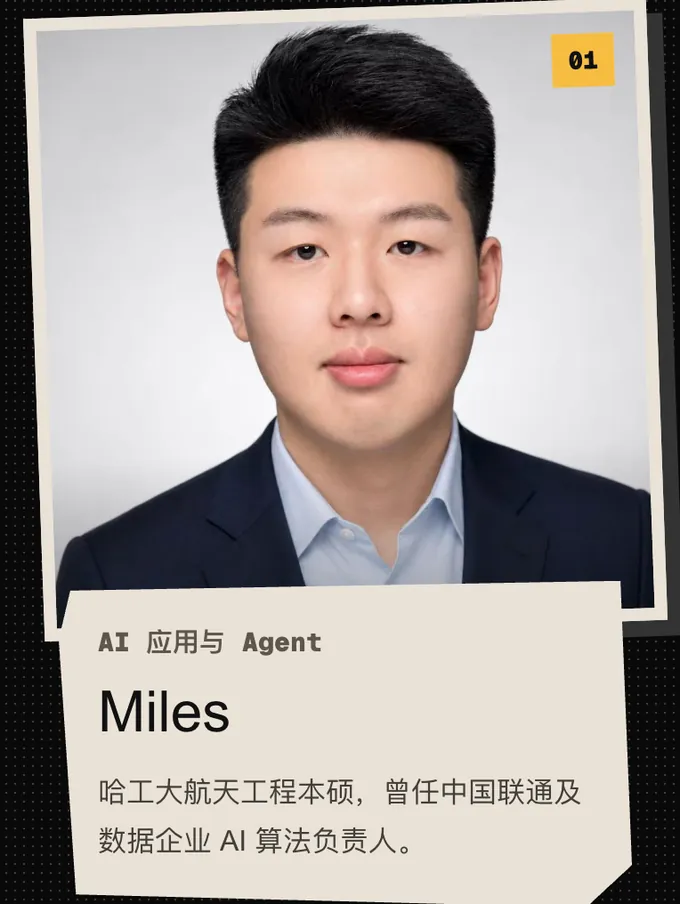
01 Miles, AI applications and agents. Bachelor's and master's in aerospace engineering, Harbin Institute of Technology; former head of AI algorithms at China Unicom and at a data company
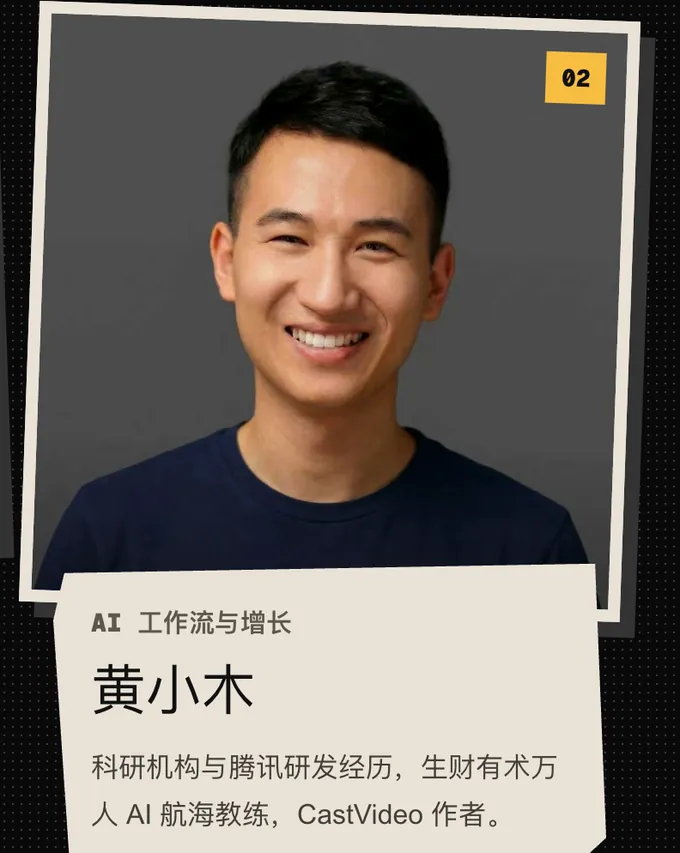
02 Huang Xiaomu, AI workflows and growth. Research-institute and Tencent engineering background; AI expedition coach for the 10,000-member Shengcaiyoushu community; author of CastVideo
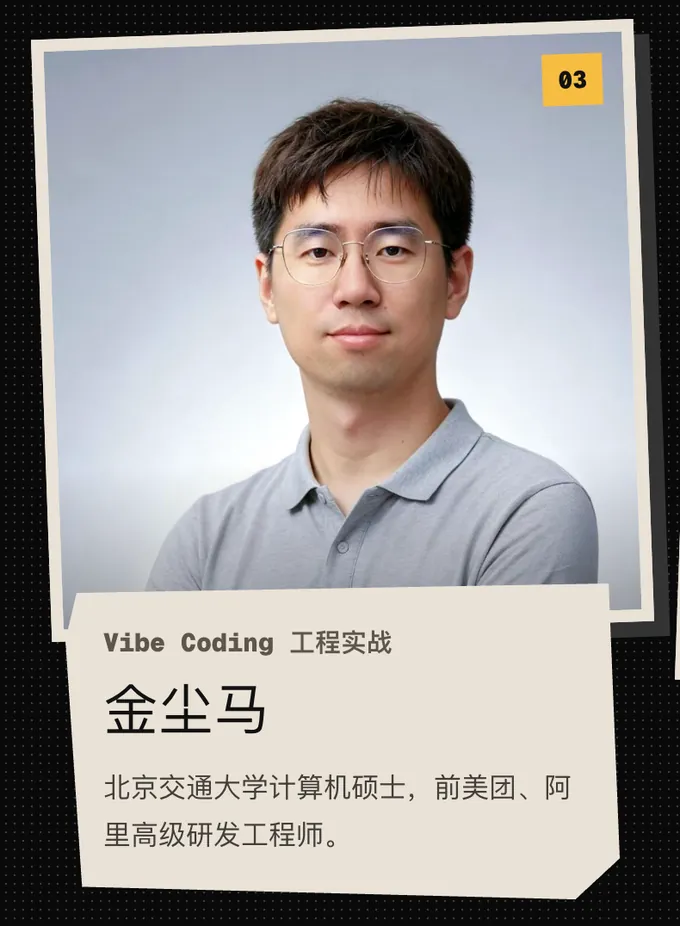
03 Jin Chenma, Vibe Coding in practice. Master's in computer science, Beijing Jiaotong University; former senior engineer at Meituan and Alibaba
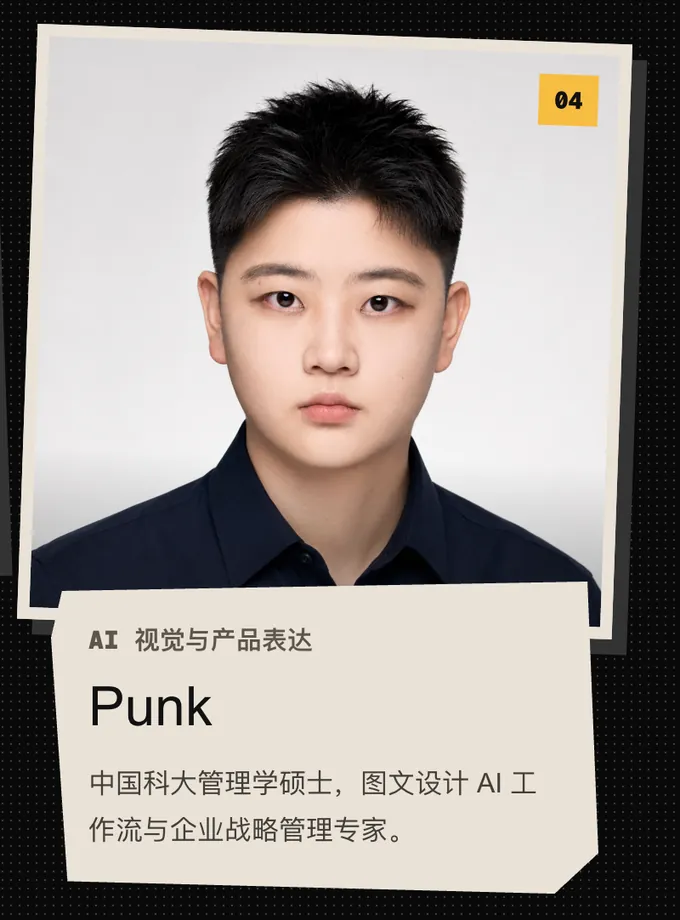
04 Punk, AI visuals and product storytelling. Master's in management, University of Science and Technology of China; specialist in AI workflows for graphic design and in corporate strategy
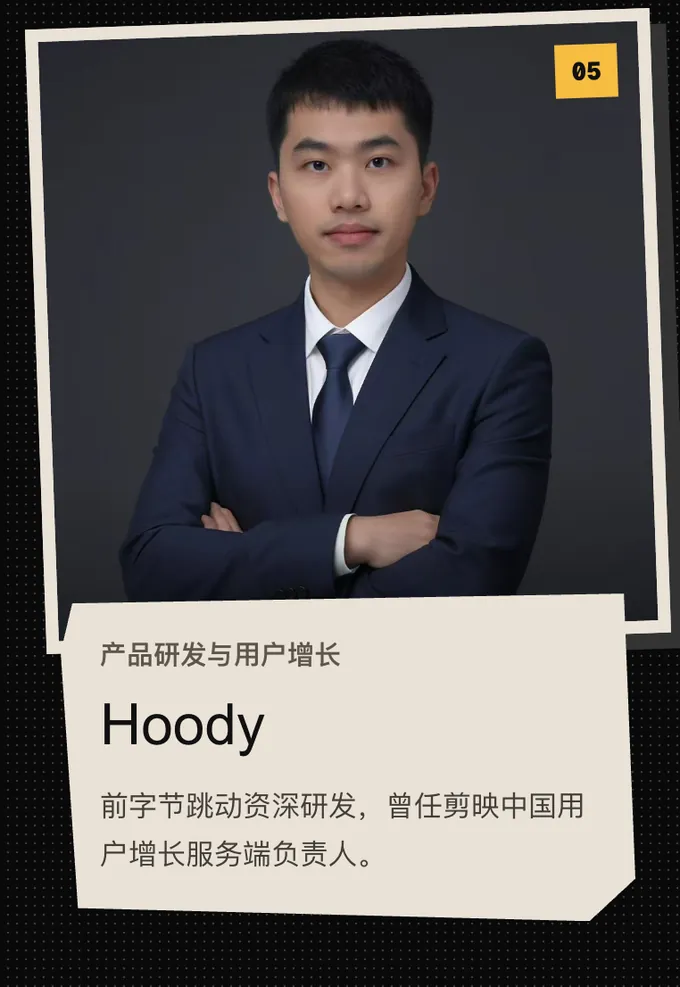
05 Hoody, product engineering and user growth. Former senior engineer at ByteDance; led the user-growth backend for CapCut in China
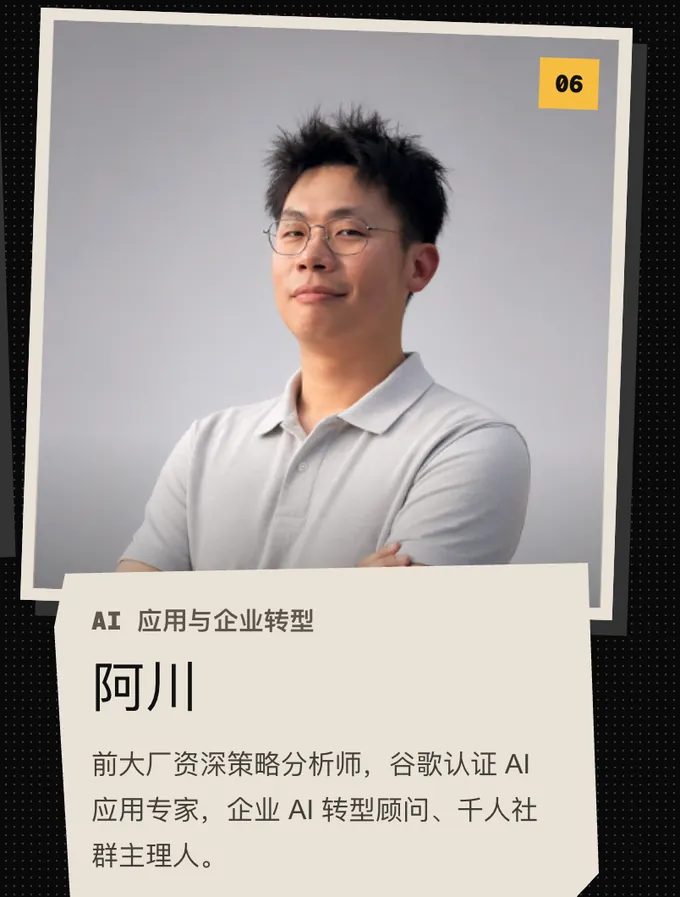
06 A Chuan, AI applications and enterprise transformation. Former senior strategy analyst at a major tech firm; Google-certified AI application expert; enterprise AI transformation consultant and host of a 1,000-member community
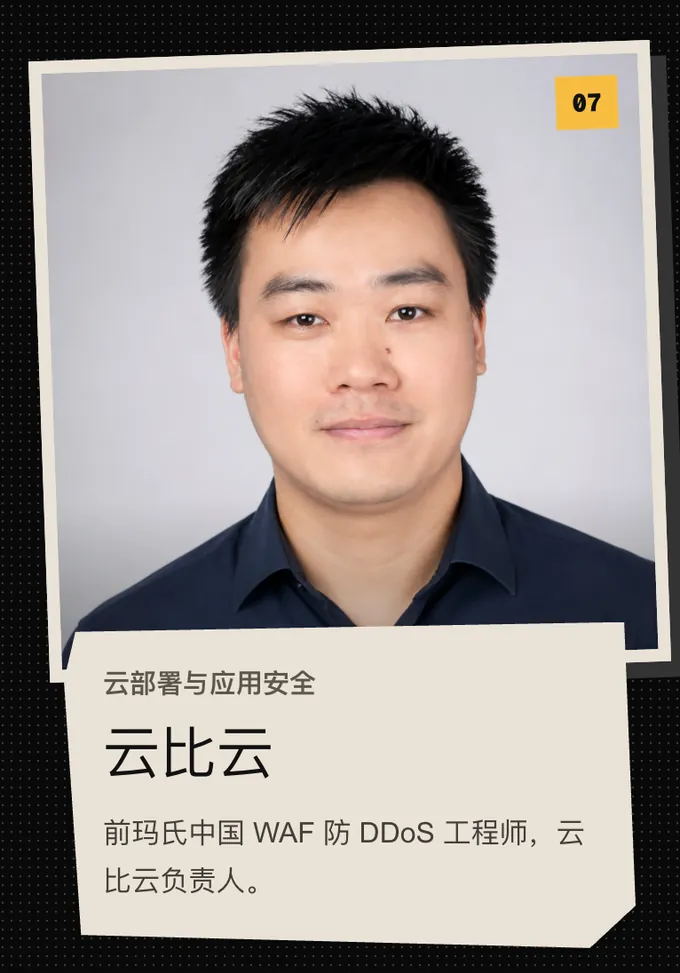
07 Yunbiyun, cloud deployment and application security. Former WAF and anti-DDoS engineer at Mars China; head of Yunbiyun
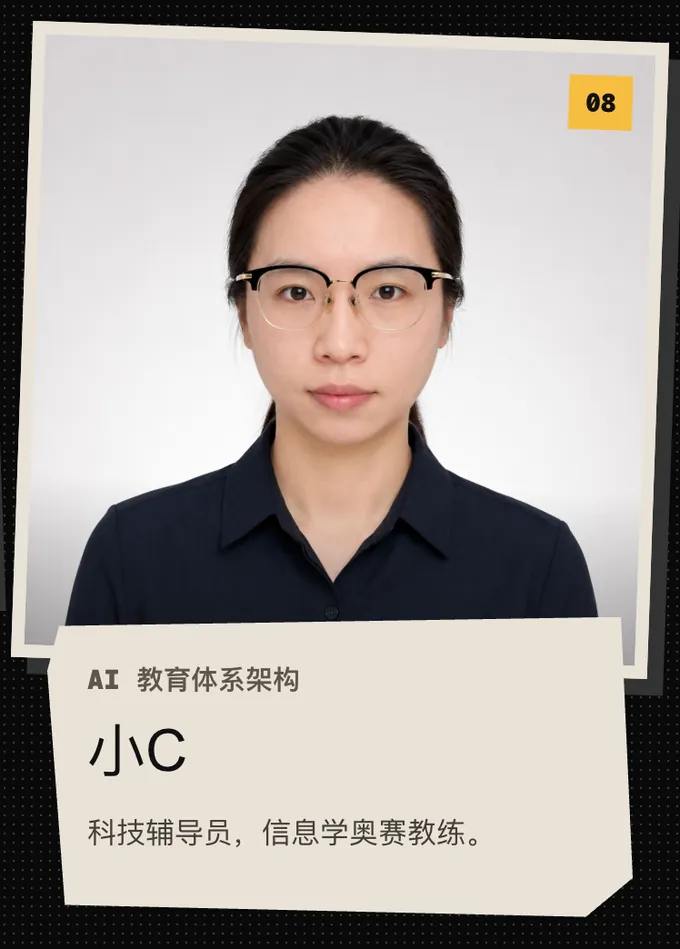
08 Xiao C, AI curriculum architecture. Science and technology instructor; informatics olympiad coach

Common questions

Anything not answered here, ask a resident engineer directly in the community once you have enrolled

What is Interstellar Blank Academy?

Interstellar Blank Academy is the official course programme for Razzhood AI glasses. There are two courses, Vibe Coder Basic and Vibe Coder Advanced, fourteen weeks each. From the first week to the last, both are about one thing only — building apps for AI glasses.

What is Vibe Coding?

Vibe Coding is turning an idea straight into working software with an AI coding agent. You describe what you want, weigh the trade-offs and sign off on the result; tools like Claude Code, Codex and Cursor write the code. Basic starts here, in week one.

Can I take Basic with no experience at all?

Yes. Basic assumes no programming background whatsoever, and is built for complete beginners, children, students and creators. The development environment does not arrive until week two; week one is spent making it clear how an AI app works.

Can I take the course without a real pair of Razzhood AI glasses?

Yes. The course ships the Razzhood Glass Emulator, a simulated glasses environment, and your first demo runs in week two. Connecting real hardware starts in week five, and the same code switches between the simulator and the glasses.

Which tools does the course use?

AI coding agents: Claude Code, Codex, Cursor and others. Version control: Git and GitHub. Deployment: Vercel and Cloudflare. Mac and Windows both work as a development machine.

What will I have built by the end of Basic?

An AI glasses app that people can genuinely open and use, on its own domain, over HTTPS, ready to send to family and friends. Your graduation project is one of the seven directions in the first official apps.

What does the Basic tuition cover?

Tuition is not yet announced. Across all 14 weeks it covers video, slides and PDFs, live Q&A, Q&A in the WeChat group, one-to-one machine setup with a resident engineer, a year of free remote maintenance for that machine, and interactive learning on our own AI director software platform.

Do I have to take Advanced after Basic?

No. The two courses are booked separately. Finishing Basic earns Vibe Coder Level 1 certification; take Advanced when you want to turn the work into a product that can launch and charge money.

Already have the basics? · The second course

You can start straight from Advanced

Advanced opens with a primer module that runs through these fourteen weeks at speed, then moves on to backends, databases, cloud storage, payments, SEO / GEO and a real launch. Finishing Basic first is not required

See Advanced

Enrol · Basic

From an idea,
to an app you can open

No programming background required. Complete beginners, children, students and creators can all start right here. Advanced is open to you once you finish.

Tuition
Not yet announced
Length
14 weeks
Format
  • Video + slides + PDF
  • Live Q&A + WeChat group Q&A
  • One-to-one machine setup with a resident engineer
  • A year of free remote maintenance for that machine
  • Our own AI director software platform, and its interactive learning system
Starts
To be announced
Enrolment
QR code to come