← Razzhood AI Glasses

Interstellar Blank Academy

Course two · A hands-on bootcamp for building AI-glasses apps

Vibe Coder
Advanced

Take an AI-glasses app that merely runs and turn it into a real product — professional, stable, shippable, ready to grow and ready to charge

Not yet announcedPrimer module + 14 weeks of main course · Enrol straight in if you already have a base
14weeks of hands-on modules
14primer topics at speed
16systems in the final build
08resident engineers

How the two courses fit

Both courses are about one thing from beginning to end: building apps for AI glasses

Course one — what Basic answers

Can I build an app for AI glasses at all?

Course two — what Advanced answers

How do I turn that app into a product a great many people can really use?

Advanced is built around one real AI-glasses app and walks the entire professional development process end to end: device APIs, front-end and back-end architecture, databases, cloud storage for photos and recordings, CDN, user accounts, multimodal AI, search, sync, performance, security, payments, SEO, GEO, analytics and the public launch.

Who it is for

01

You do not have to take Basic first

Anyone with some background can enrol in Advanced directly. Everything Basic covers is in the primer module — it just moves fast.

02

Product, design and engineering

Product managers, UI/UX designers, front-end engineers, back-end engineers, independent developers, and anyone who wants to move into building apps for AI glasses.

03

You are not being turned into a full-stack engineer

What the course actually trains is this: using a coding agent to run the development of a complete AI-glasses app.

Primer module | What Basic covers

The fourteen Basic topics, run through at speed inside Advanced. Anyone who has finished Basic can skip it; anyone starting from zero catches up here

01

Vibe Coding and AI software development

What Vibe Coding is · AI coding agents (Claude Code, Codex, Cursor and others) · how an AI app works · generating your first web page

02

Setting up the development environment

Mac / Windows environments · Git and GitHub basics · installing Claude Code, Codex, Cursor · API key setup · Razzhood Glass Emulator (glasses simulator) · getting the first demo running

03

UI design and AI-generated interfaces

Designing app UI with AI · studying great app design · installing Design Skills · logo, icon and splash screen · responsive layout basics

04

Product design and stating requirements

How to describe an app · how to make AI understand a requirement · page design · user flows · choosing from the seven official launch apps

05

Camera SDK: taking photos

Camera SDK · the capture API · the camera simulator · connecting real hardware · reading images · image caching

06

Gallery SDK: the photo library

Library management · photo categories · photo search · photo tags · photo timeline

07

Audio SDK: offline recording

Offline recording · reading recordings · playback · binding voice to a photo · speech to text

08

Timeline SDK: interval capture

Interval capture · timeline · continuous shooting · Stop Motion · Time-lapse · auto-generated short videos

09

AI SDK

Image understanding · OCR · image classification · image summaries · prompt basics · AI output formats

10

App data management

Local storage · user settings · favourites · history · image caching · app state management

11

Testing and debugging

Finding bugs · debugging with AI · multi-device testing · phone layouts · performance tuning

12

Deploying and going live

Domains · URLs · HTTPS · Vercel · Cloudflare · preview · production

13

Ship your first AI app

Product screenshots · app logo · share page · QR code · launch checklist

14

Graduation Demo Day

Showing the work · community critique · product polish · where to go next

By the end of the primer module you are holding a working “My Photos, My University” 1.0 — photos taken on the glasses, offline recordings, photo and recording bound together, AI tidying, story books, search and time capsules. The fourteen weeks that follow turn it into a real product.

Flagship project · Advanced

My Photos,
My Story 2.0

The AI Photo University app — the primer module gets 1.0 running, the main course turns it into a genuinely professional product

AI still does not tell the child’s story The story belongs to the person; AI understands, organises, keeps and finds it. Wearing Razzhood AI glasses, the user takes a photo where they stand and immediately tells the story of that moment into an offline recording; photo and sound are linked on the glasses themselves. Once it syncs to the app, the system handles transcription, image understanding, titling, search, story books, time capsules and cross-device sync.

On that foundation Advanced goes further: a real back end, a user system, cloud storage, media processing, natural-language search, multi-member family accounts, payments, SEO / GEO, analytics and a launch built for scale.

Advanced | The fourteen weeks in detail

Every week states what you ship that week, and fourteen weeks stack into a product you can actually launch

Week 01

From a classroom app to a professional AI-glasses app

Week one is in no hurry to write code. It takes the Basic project apart again: what separates an app that is genuinely live from a classroom demo, and how data really moves between the user, the device, the phone, the browser, the back end, the database, the AI services and the cloud.

Students break their product into real systems: the glasses capture photos and audio, the phone or web client handles interaction, the back end owns users and data, cloud storage holds photos and audio, and the AI services do image understanding and speech processing.

They also learn to have a coding agent read the whole existing project, surface technical debt, duplicated code, wrong data structures and anything that will not scale, then produce a first professional refactoring plan.

Shipped this weekA complete AI-glasses app architecture diagram + a 2.0 product requirements document + a 14-week development roadmap
Week 02

Razzhood SDK, deeper: from the emulator to real hardware

Basic got you calling a single API; Advanced is where you actually understand the Razzhood SDK. You work through the switch between the emulator and real hardware, and handle device discovery, connection, disconnection, reconnection, device state, permissions, error responses, timeouts and exceptions in one consistent place.

On the camera API: capture requests, photo IDs, timestamps, photo state and failed captures. On the audio API: recording start and stop, audio IDs, and binding photo to audio on the spot. On the gallery and timeline APIs: batch reads, incremental sync and interval-capture sequences.

The course insists on one outcome: the same app is developed against the emulator when no glasses are around, and switches to a real pair of Razzhood glasses without rewriting a line of business logic.

Shipped this weekOne unified Razzhood device connection layer and an emulator / hardware switch

Week 03

The camera system and a professional photo pipeline

This week goes deep on what Razzhood does best: taking a picture. Not “call the capture API once”, but everything a photo goes through once the glasses create it: capture, photo ID, local write, sync queue, transfer to phone or server, thumbnail, metadata, then into the library and the search system.

Then batches, duplicates, failures, rotation, dimensions, compression, previews, originals and deletion state.

Interval capture is rebuilt properly: one frame every 3 seconds, 20 a minute, 200 in ten minutes; a run is recognised as a single shoot rather than 200 loose photos scattered through the library, and a short film is generated from the frame count and the target length.

Shipped this weekA professional photo ingest system + interval-capture sequence management + the first version of short-film generation

Week 04

Offline recording and binding “photo + sound” on the spot

This week digs into Razzhood offline recording. The point is not dubbing a photo after you get home; it is making photo and sound belong to each other right where you saw the moment.

A child sees a fire engine, takes a photo, says “record a story”, and the glasses start recording offline; the moment it ends, that photo ID and that recording ID are bound together.

Students handle recording state, unexpected interruptions, re-recording, several clips on one photo, one clip across a group of photos, playback, deletion and re-sync, along with audio formats, duration, file size, waveform previews and the data relationship between an audio file and a photo.

Shipped this weekThe complete on-the-spot flow: “photo → tell the story → saved offline → bound automatically”

Week 05

Back end, user accounts and the database

From this week on it is professional app development for real. Why a live product needs a back end, and what the front end, the back end and the database are each responsible for.

You model the core data for the AI Photo University app — users, devices, photos, recordings, stories, albums, tags, time capsules — and add sign-up, sign-in, sign-out, account recovery, device pairing and multi-device login.

A children’s product also means family accounts: how a child account and a parent account relate, which controls belong to the parent, which data can be shared and what stays private by default. The point is not memorising SQL — it is letting a coding agent help design the database while you understand why every table exists and how they connect.

Shipped this weekA real back end + a user system + the first complete database

Week 06

Cloud storage, CDN and cross-device sync

Basic never went deep here. Photos and recordings cannot live on one device forever. This week covers the difference between local storage, object storage, a database and a CDN, and why 4K photos and audio should not be stuffed straight into an ordinary database.

You design the whole data path: AI glasses → phone / computer → cloud storage → CDN → the user’s app. Where originals, thumbnails, audio files and story-book files each belong; how to handle resumable uploads, duplicate uploads, sync state, retries and conflicts between devices.

Also URLs, file addresses, signed links, caching, and why a CDN opens a photo faster for someone on the other side of the world.

Shipped this weekCloud storage for photos and recordings + CDN + cross-device sync

Week 07

Multimodal AI: really understanding photos and sound

Basic only asked you to call an AI; Advanced designs the whole AI workflow. Once a photo enters the system it can go through image understanding, text recognition, and object and scene tagging; a recording can go through transcription, segmentation, punctuation cleanup and summarising.

“My Photos, My University” holds to one rule: AI does not create the story for the user. Its job is to understand what the user has already created — pulling people, animals, places, times, events, themes and keywords out of photos and speech, then using them for tidying, search and story-book generation.

You also learn structured AI output, so the model returns data in the shape the app needs instead of a paragraph nothing can use.

Shipped this weekImage understanding + transcription + content tags + a structured AI data pipeline

Week 08

A smart library, natural-language search and the story system

This is where seven weeks of engineering become something the user can feel. Ordinary search makes people remember keywords; Advanced builds natural-language search: “find the ginger cat I photographed last winter”, “find the photo of grandma telling me the Spring Festival story”, “find every photo from the robot competition”.

The system searches photo content, transcripts, titles, tags and time information all at once.

Then story series: one pet, one interest, one trip or one long-running project can be gathered into a single series.

Shipped this weekA smart library + natural-language search + story series

Week 09

Professional interfaces, mobile experience and performance

With the features complete, you take on “why do some apps look like homework and others look like products”. You build a full design system — type, buttons, cards, spacing, states and components — and handle phone, tablet and desktop browser sizes.

The focus is the problems specific to an AI-glasses app: loading thousands of photos quickly, lazy-loading thumbnails, keeping long lists smooth, showing progress while photos upload, what the user sees on a poor connection, and how to show a photo that is still on the glasses and not yet synced.

Empty states, loading states, error states and permission states are covered too.

Shipped this weekA professional interface people can live with long term

Week 10

Security, privacy, permissions and a real production environment

AI glasses touch photos, sound and personal data by their nature, which makes this the one week no professional developer can skip. Device permissions, account permissions, photo permissions, family-sharing permissions and the right to delete.

For a children’s product the emphasis is designing for “private by default”: what must never be published automatically, how family members grant access, and when a public share link expires.

You also learn the difference between development, preview and production, plus environment variables, secret management, rate limiting, logging, error monitoring, backups and restores — moving the product from “it runs on my machine” to “a stranger can use it safely”.

Shipped this weekA real production environment + a permission model + a privacy and security review

Week 11

Commercial models, payments and charging for the product

This week is not about enterprise consulting. It is about one thing: how your own AI-glasses app makes money. Free, one-off purchase, subscription, usage credits, paid extras.

The AI Photo University app, for instance, can keep basic photo and recording features free and charge for extra cloud storage, story-book export, advanced search and family sharing. You build the checkout page, orders, payment success and failure, subscription state, entitlements and refunds, and make payment state genuinely control what the app can do.

Students over 12 also grasp for the first time that building an app is not only a technical exercise: it can become a product people are willing to pay for. Where real money changes hands, an eligible adult or guardian is the account and payment holder.

Shipped this weekYour first pricing model + a working payment flow

Week 12

SEO + GEO: getting your AI-glasses app found

Once a product is live, if nobody knows it exists the work is only half done. This week works methodically through traditional search and AI search.

SEO covers keyword research, the product home page, feature pages, use cases, FAQ, titles and descriptions, page structure, technical SEO, sitemaps, structured data, load speed and a content system. Around the AI Photo University app you might build the questions real users type: “what is an AI photo university app”, “how do AI glasses record a child’s own story”, “how do AI-glasses photos and offline recordings work together”, “how can a child make a story book with AI glasses”.

GEO is about making it easy for ChatGPT, Google AI search, Perplexity and the rest to understand what the product is, who it suits and what it solves: clear product entity information, FAQ, official documentation, use cases, comparison pages, original material and consistent brand facts. The goal is not “tricking an AI into recommending you” — it is making the product’s information clear, complete and credible enough for people to search and for AI to understand.

Shipped this weekA complete SEO / GEO site structure + the first batch of real content pages

Week 13

Analytics, growth and product iteration

This week you start watching real users instead of changing the product on instinct. You define the events that matter: did they sign up? did the glasses connect? did the first photo sync? did they bind their first story? did they search? did they make a story book? did they come back in week two? did they cross from free features into paid ones?

Then funnels, activation rate, retention, share rate, paid conversion and the most basic A/B testing.

You also design growth into the product itself — shared story cards, shared story books, family invitations, time capsules that bring people back — rather than leaning on heavy advertising.

Shipped this weekA product analytics dashboard + the core growth loop + the next round of fixes

Week 14

Launch: from beta to a real product

The last week pulls thirteen weeks into a release version. Final checks on the domain, HTTPS, CDN, production back end, database, storage, AI services, payments, SEO / GEO pages, analytics, error monitoring and backups.

Then testing on real hardware: capture, offline recording, on-the-spot photo and voice binding, batch sync, weak network, no network, multiple devices, huge photo libraries, interval capture, payments, search, family accounts. Every critical path has to run end to end.

Finally the product home page, demo video, screenshots, pricing, FAQ, privacy notice and launch page. Graduation is no longer “here is what I built, everyone”; it is launching an AI-glasses app that other people can sign up for, use and pay for today.

Shipped this weekA complete AI-glasses app, live

Vibe Coder Level 2 certification on completion

The Finished Build

“My Photos, My University” 2.0 ships with at least these sixteen things

Razzhood device connection and simulatorBuild with no hardware in hand; switch straight over once you have a real pair.
Professional camera systemSingle shots, photo sync, batch management, photo status, thumbnails and full-size originals.
Offline recording systemRecording in the moment, audio management, re-recording and playback.
Photo and voice bound on the spotTell the story the second after the shot; the two pieces of data are linked on the glasses themselves.
Stop-motion capture and short filmsOne frame every three seconds, assembled into a sequence and rendered as a short film.
Professional smart albumCategories, timeline, tags, story status and batch management.
AI content understandingImage understanding, text recognition, speech transcription, themes and keywords.
Natural-language searchFind an old photo or story with one plain sentence.
Storybooks and time capsulesPhotos, voice and text assembled into something that keeps for years and opens again later.
User and family accountsUsers, devices, family members and permissions.
Backend and databaseFrom a classroom front-end app to a real data product with a backend of its own.
Cloud storage and CDNHandles 4K photos, audio and thumbnails in bulk, and load speed worldwide.
Cross-device syncGlasses, phone, tablet and computer all stay in step.
Payments and commercializationA version of the product that can genuinely charge money.
SEO and GEOSo Google and AI search can find, understand and recommend the product.
Product analytics and growthKnow where users come from, which step they drop at, why they come back and why they pay.

The graduation showcase is no longer “here, look at what I wrote”. It is the release of an AI glasses app that anyone else can sign up for, use and pay for today.

Eight cross-disciplinary resident engineers

AI applications, engineering, visual craft, growth and cloud security. Not just the tools, but the judgment calls real projects demand

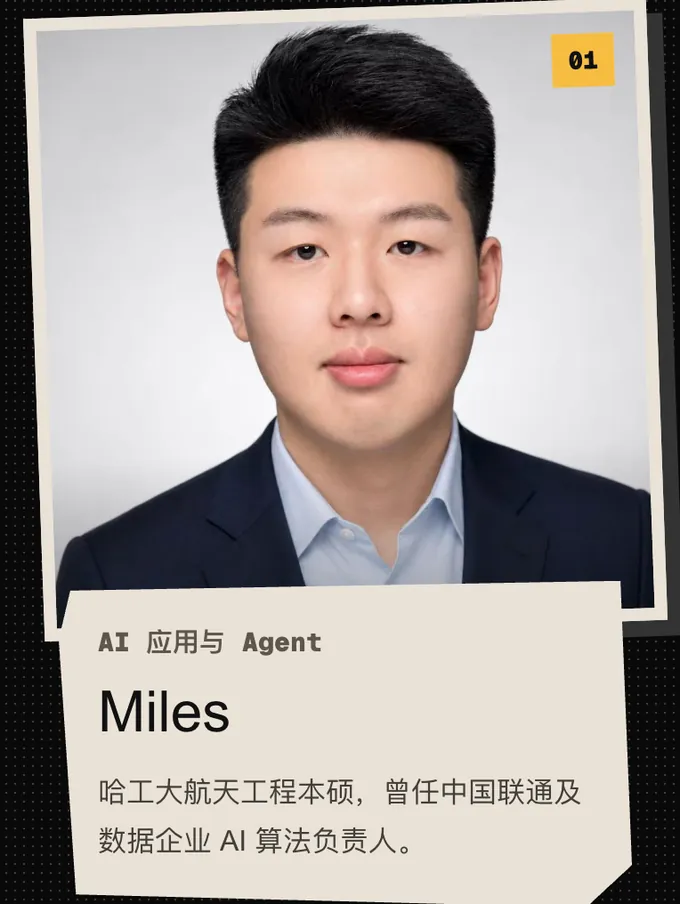
01 Miles, AI applications and agents. BSc and MSc in aerospace engineering at Harbin Institute of Technology; former head of AI algorithms at China Unicom and at a data company
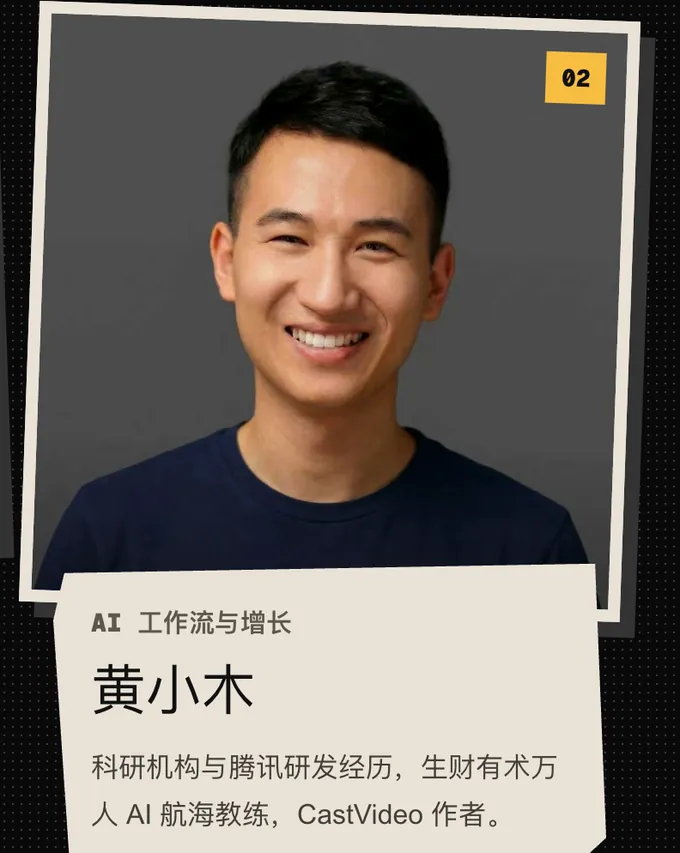
02 Huang Xiaomu, AI workflows and growth. Research institute and Tencent engineering background; coach on Shengcaiyoushu's 10,000-person AI program; author of CastVideo
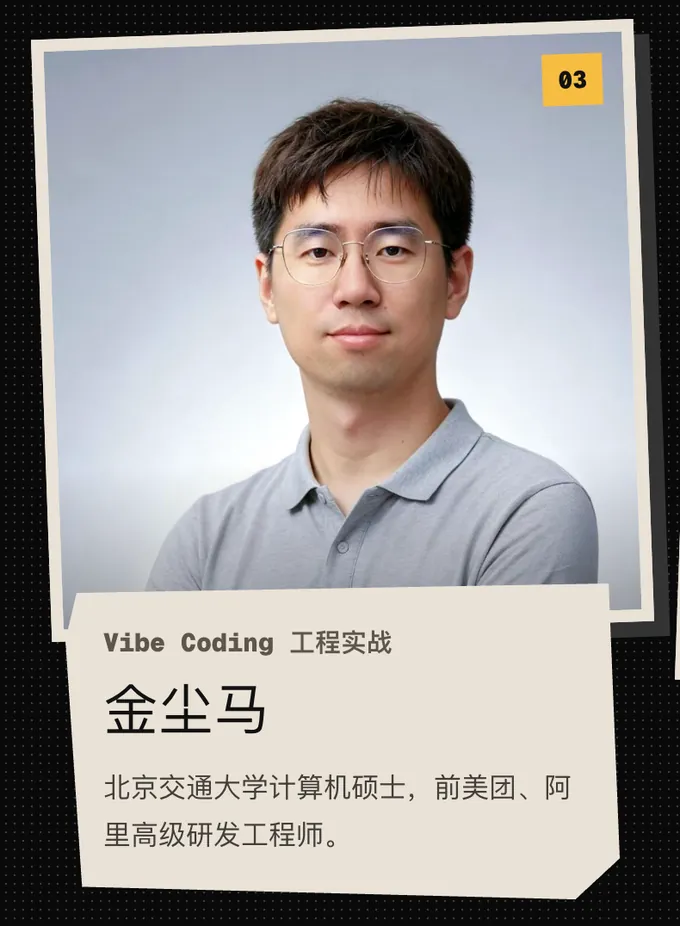
03 Jin Chenma, Vibe Coding in practice. MSc in computer science at Beijing Jiaotong University; former senior engineer at Meituan and Alibaba
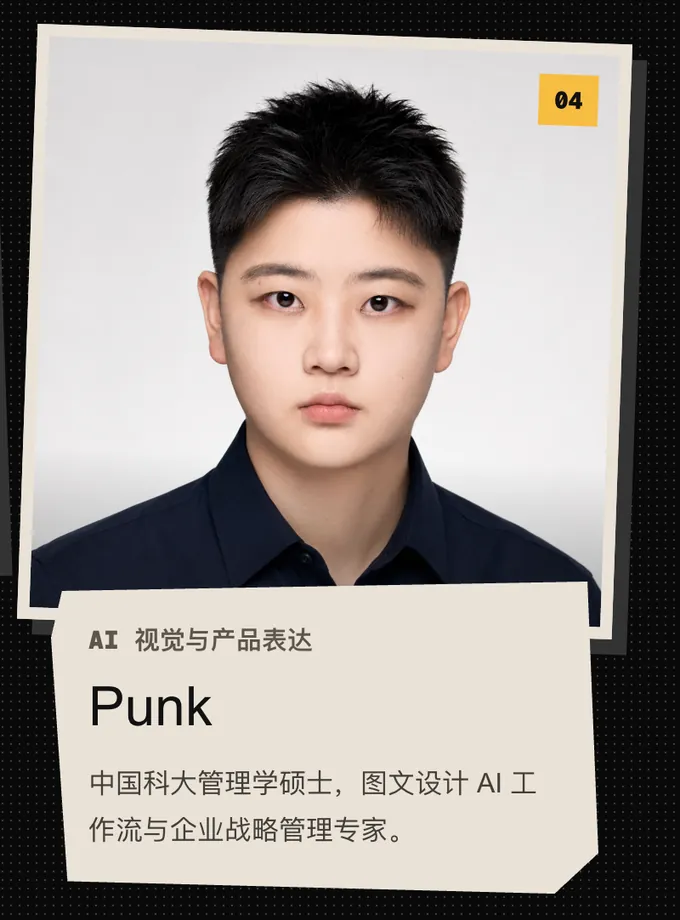
04 Punk, AI visuals and product storytelling. MSc in management at the University of Science and Technology of China; specialist in AI design workflows and corporate strategy
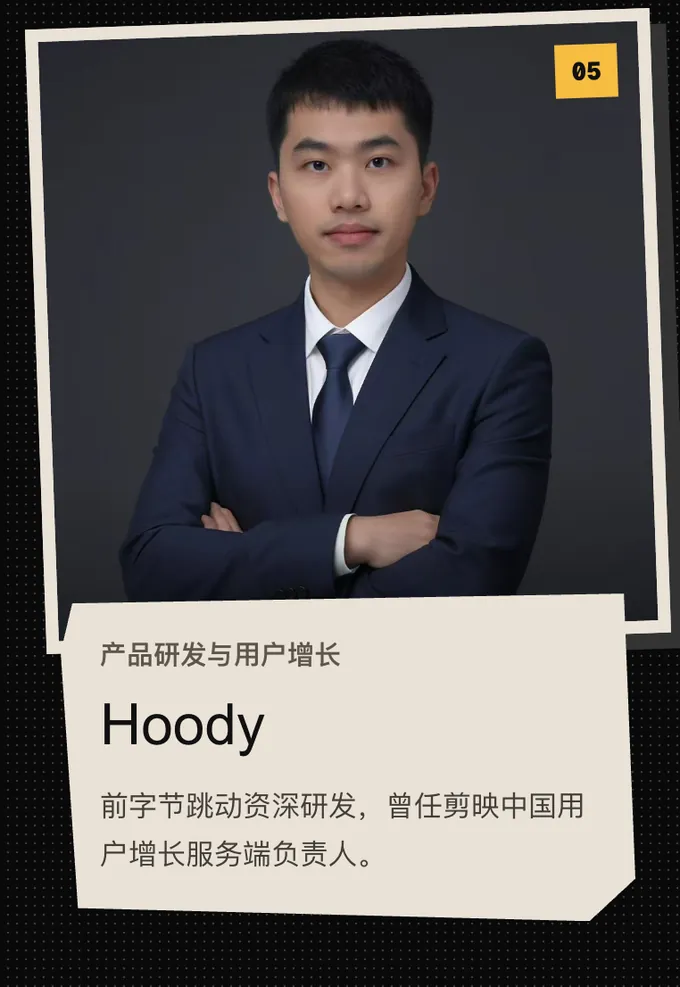
05 Hoody, product engineering and user growth. Former senior engineer at ByteDance; former backend lead for user growth at CapCut China
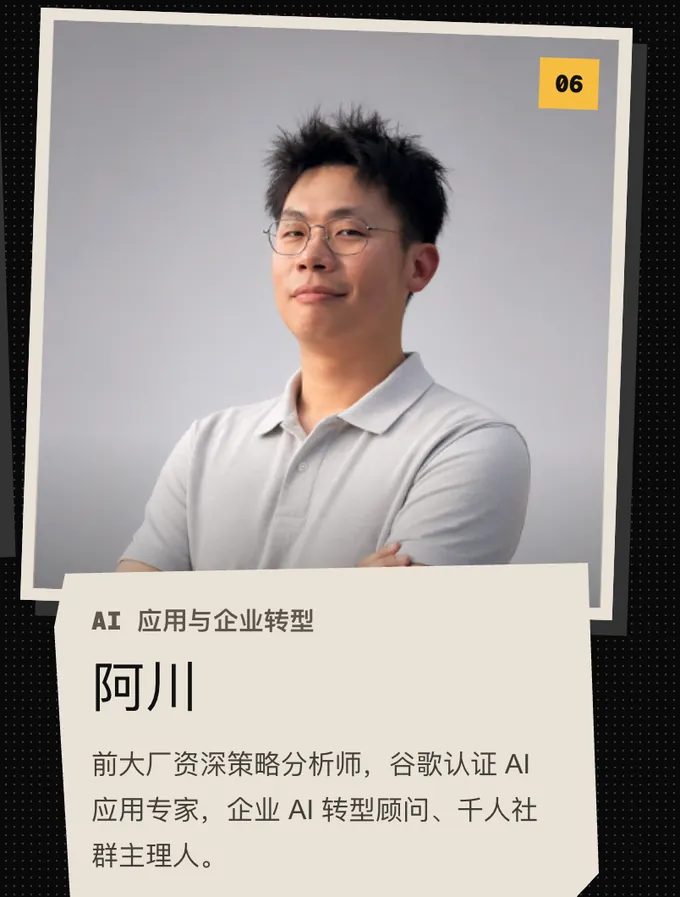
06 A Chuan, AI applications and enterprise transformation. Former senior strategy analyst at a major tech firm; Google-certified AI application expert; enterprise AI transformation consultant and host of a 1,000-member community
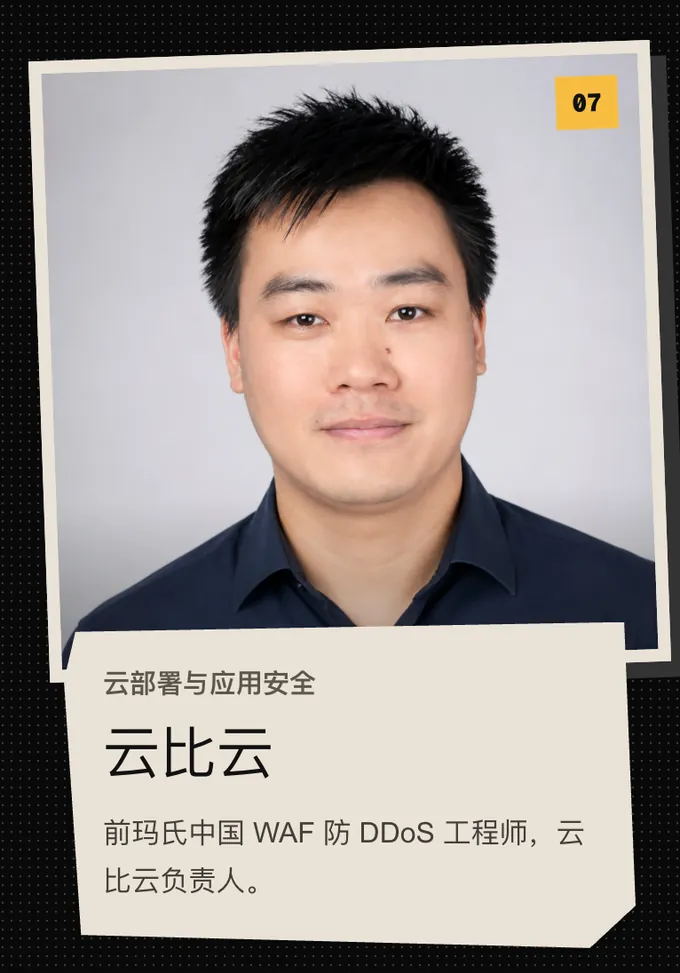
07 Yunbiyun, cloud deployment and application security. Former WAF and anti-DDoS engineer at Mars China; head of Yunbiyun
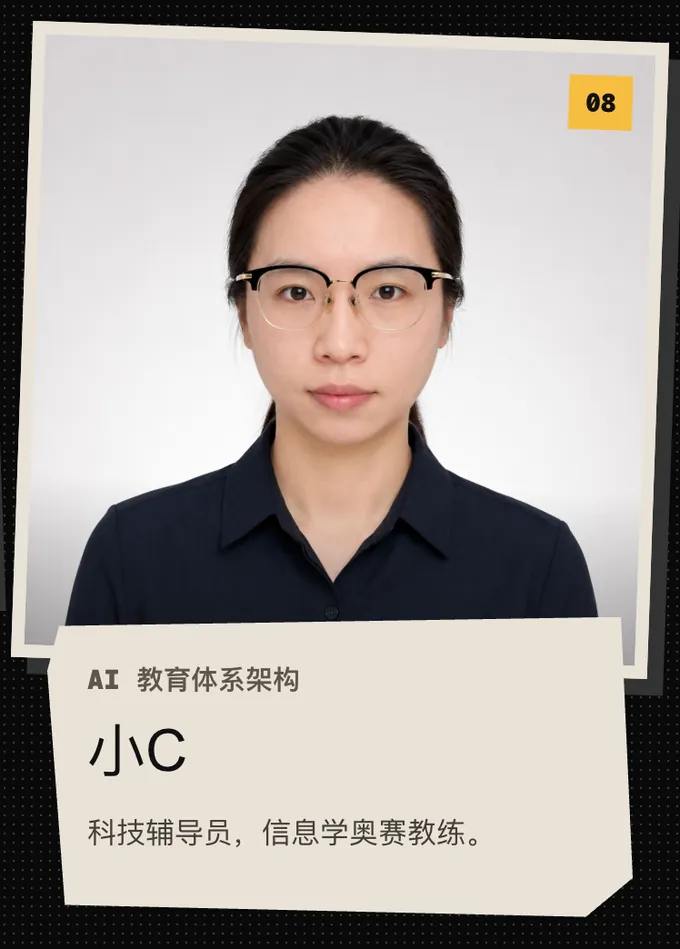
08 Xiao C, AI education architecture. Science and technology instructor; Olympiad in Informatics coach

Common questions

Anything not answered here, ask a resident engineer directly in the group once you enroll

I never took Basic. Can I enroll straight into Advanced?

Yes. All fourteen Basic topics sit inside the Advanced primer module, just covered fast. If you already have the basics, enroll in Advanced directly; there is no need to work through Basic first.

What is the difference between Advanced and Basic?

Basic answers “can I build an app for AI glasses at all”. Advanced answers “how do I turn that app into a product a lot of people can really use”. Advanced covers the backend, databases, cloud storage, CDN, user accounts, multimodal AI, natural-language search, payments, SEO, GEO, analytics and the public launch.

Does Advanced require me to write code?

It does not require you to become a traditional full-stack engineer. It does require you to work with tools like Claude Code, Codex and Cursor, read a simple project structure, and have finished some basic Vibe Coding. What the course actually trains is running the development of a whole app through a coding agent.

What will I have built by the end of Advanced?

A professional AI glasses app that a stranger can sign up for today, connect to their glasses, keep using for years, find through search and pay for. The finished build list runs to sixteen items.

What does the Advanced tuition include?

Tuition is not yet announced. It covers the primer module and the 14-week core course, plus video, slides, PDFs, live Q&A, WeChat group Q&A, one-on-one machine setup with a resident engineer, a year of free remote machine maintenance and our own AI director software platform.

Can students aged 12 and over take Advanced?

Yes. Week eleven covers commercialization and payments, where a student understands for the first time that an app can be something people are willing to pay to use. Where real money is collected, an eligible adult or guardian holds the account and acts as the payee.

Does the course cover enterprise automation, CRM and the like?

No. Both courses stay on one thing from start to finish: building apps for AI glasses. Neither wanders off into enterprise sales or business process automation.

What is GEO, and why teach it?

GEO is about making it easy for systems like ChatGPT, Google AI search and Perplexity to understand what your product is, who it suits and what problem it solves. The goal is not to trick an AI into recommending you, but to write the product information clearly, completely and credibly enough that it serves people searching and AI reading alike. Week twelve covers it alongside SEO.

Starting from nothing? · The first course

Vibe Coder Basic

Fourteen unhurried weeks: set up the environment from scratch, get the Razzhood camera and offline recording interfaces talking, and build your first AI glasses app

See Basic

Enroll · Advanced

Release a product a stranger
can use today

With the basics behind you, enroll straight into Advanced — everything in Basic is already inside the primer module. Where real money is collected, an eligible adult or guardian holds the account and acts as the payee.

Tuition
Not yet announced
Length
Primer module + 14-week core course
Format
  • Video + slides + PDF
  • Live Q&A + WeChat group Q&A
  • One-on-one machine setup with a resident engineer
  • One year of free remote machine maintenance
  • Our own AI director software platform, your way into the interactive learning system
Start date
To be announced
Sign-up
QR code to come